



Contents: Selecting a driving mode ⬇ Steering ⬇ Adaptive Cruise Control (ACC) ⬇ Adaptive Lighting (AFS) ⬇
Selecting a driving mode
Driving mode selection button: Octavia, Combi/Octavia RS, Combi RS
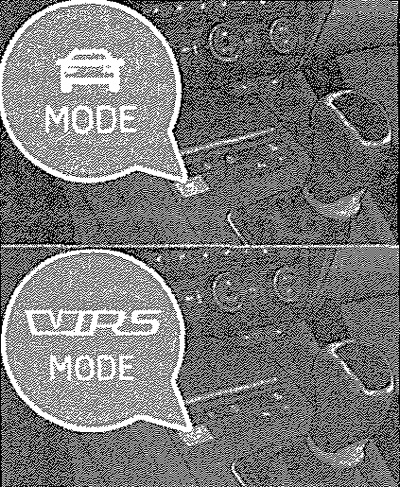
The drive mode selection menu allows you to choose between the modes: Normal, Sport, Eco, and Individual, which can be adjusted individually. The drive mode selection menu opens on the Infotainment display by pressing the button with the symbol
 or
or  .
.
[The original article is available on: skodabook.ru]
When any other driving mode other than normal is selected, the symbol in the key lights up
 or
or  .
.
Normal mode
For systems that affect the driving mode, the normal setting is adopted. This mode is suitable for everyday driving.
Sports mode
This mode is suitable for a sporty driving style. Selecting this mode primarily affects the following systems.
Engine (drive)
The gas pedal responds faster to pressing, acceleration is more dynamic than in Normal mode. The automatic transmission is set to S mode. The noise from the engine in this mode is felt more strongly than in Normal (1) mode.
(1) Applies to Octavia RS, Combi RS.
Steering
The power steering ratio decreases, requiring more effort to turn the steering wheel.
Adaptive Cruise Control (ACC)
With adaptive cruise control on, acceleration is smoother than in normal mode.
Adaptive Lighting (AFS)
The headlights adjust more dynamically than in Normal mode.